Install TravelGO

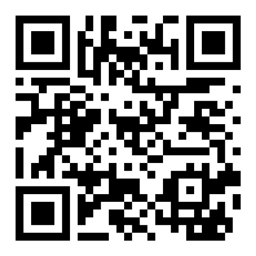
Get the TravelGO app
Install on iPhone or Android Phone for the fastest checkout and to receive order notifications.


TravelGO Delivery Guide
How TravelGO Delivery Works
TravelGO lets you set your delivery address first, then shows restaurants and menu availability for your location before checkout.
How to Place an Order
- Set your delivery address.
- Browse restaurants and open a menu.
- Add items to your cart.
- Confirm order details at checkout.
- Place the order and track updates.
Delivery Areas
Coverage includes General Luna, Cloud 9, Catangnan, Malinao, and nearby serviced zones. Availability can vary by restaurant and time.
Payment Options
TravelGO supports online and local payment options, including cards, GCash, and cash on delivery where available.
Order Tracking
After checkout, you can follow order progress from restaurant acceptance through rider dispatch and delivery completion.
What to Expect
You will see menu availability, clear totals before confirmation, and order-status updates as your order moves through each stage.
Ready to Order?
Browse Restaurants & Order Food
Visitors searching for familiar platforms can also read our guide to GrabFood and foodpanda availability in Siargao.
For more answers, see Food Delivery Siargao FAQ.